
How to take selfies for AI headshots (a 10-minute checklist)
Your input photos matter more than any setting. Here is how to shoot 4–8 selfies in ten minutes that give you AI photos that genuinely look like you.
By the PictureMe team · · 6 min read
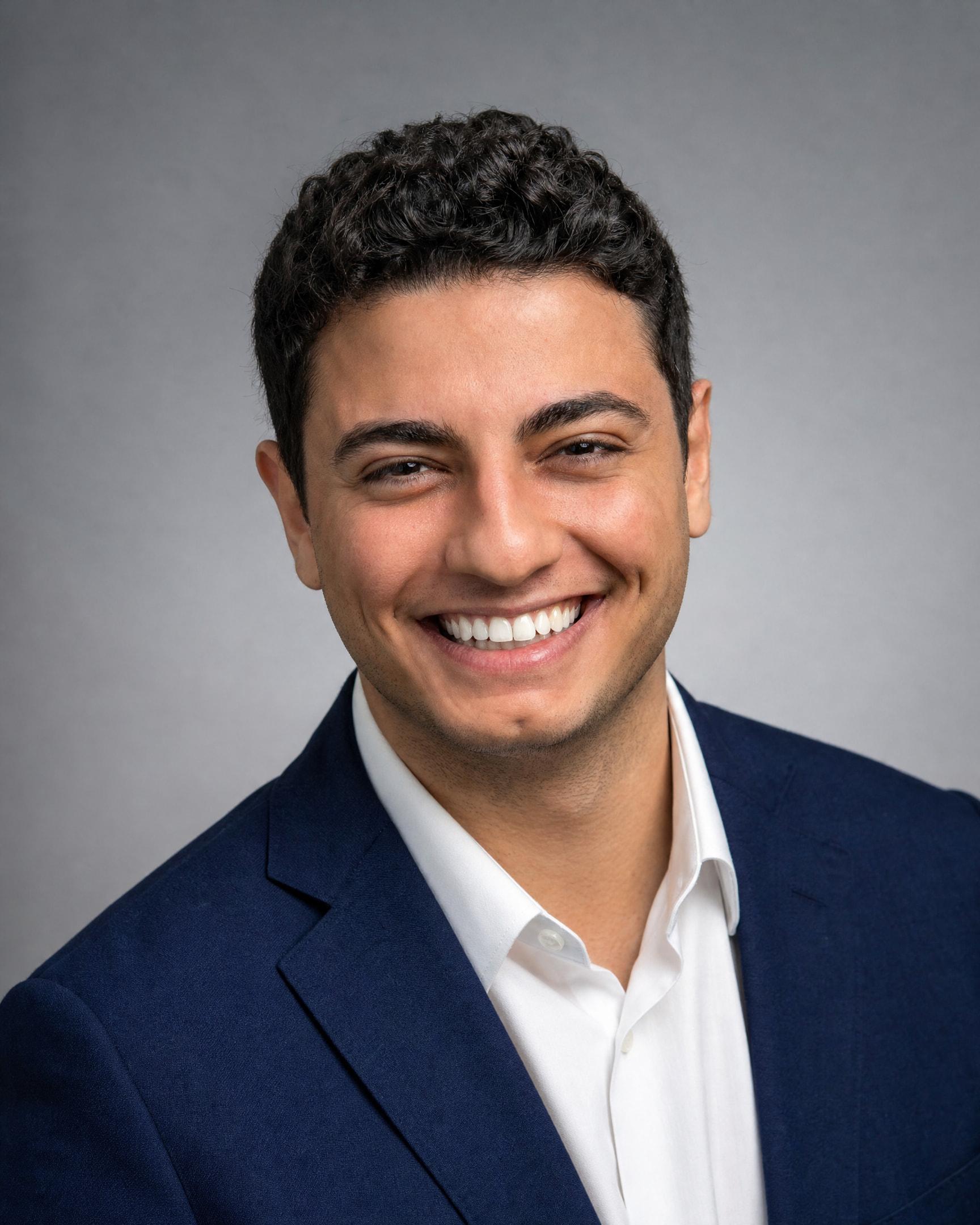
Short answer
Why your selfies matter so much
An AI headshot generator only knows what your face looks like from the photos you give it. Everything else (the backdrop, the blazer, the studio lighting) is generated. So if your selfies are dark, blurry, filtered or all from the same angle, the model has to guess, and guessing is where "that's almost me" comes from. If you want the background, read how AI headshots work.
The checklist
1. Use soft, even light
Stand or sit facing a window during the day. Daylight from the front is the single biggest improvement you can make. Avoid harsh overhead lights (they cast shadows under your eyes), strong backlight (your face goes dark) and the flash.
2. Just you, nothing covering your face
- Only one person in the photo. Crop out friends rather than using group shots.
- No sunglasses, hats, masks or hands on your face.
- Keep hair away from your eyes in at least most of the photos.
3. No filters or beauty modes
Turn off portrait "beauty" modes, skin smoothing and filters. They change the shape and texture of your face, and the AI will faithfully learn the filtered version. If you want a polished look, choose it as a style when you generate.
4. Vary the angle
Include straight-on photos plus a few turned slightly to each side. Hold the phone around eye level or a little above; very low angles distort the jaw and nose. If you can, prop the phone up and use the timer with the rear camera, which is usually sharper than the front one.
5. Vary the expression
Give it a neutral face, a closed-mouth smile and a natural open smile. That way your generated photos can smile like you actually smile.
6. Keep it recent and sharp
Use photos from the last few months that look like you today (same hairstyle, beard or no beard, glasses or not). Make sure your face is in focus and fills a decent part of the frame: from the shoulders up is ideal.
7. Glasses: be consistent with how you want to look
If you always wear glasses and want them in your photos, include them in some selfies. Choose frames without strong reflections, and tilt your head down slightly to cut glare. If you want photos without glasses, use selfies without them.
How many selfies?
On PictureMe you need between 3 and 8, and 4–8 gives the best results. Each selfie gets an automatic face check when you upload it, so you know straight away whether it will work. Other tools that train a personal model often ask for more.
What to avoid (quick list)
- Group photos, or photos where someone else's face is visible
- Sunglasses, hats, face masks, heavy shadows
- Filters, beauty modes, heavy makeup you don't normally wear
- Blurry, dark or very low-resolution photos
- Old photos where you look noticeably different
- Eight versions of the same angle and expression
A 10-minute routine
- Wash your face, fix your hair, wear a plain top in a colour you like.
- Face a window. Turn off beauty mode and the flash.
- Take three straight-on photos: neutral, small smile, big smile.
- Turn your head a little to the left and take two more; repeat to the right.
- Pick the 4–8 sharpest, most natural ones and upload those.
What to pick next
For a profile photo you will use at work, start with a clean studio or business-casual style, then branch out. Our guide to AI headshots on LinkedIn covers what to choose and what to avoid, and AI dating photos covers how to keep dating photos natural and honest.