
How do AI headshots work? A plain-English guide
Selfies in, studio photos out. Here is what actually happens in between, why some tools make you wait hours, and how to get results that look like you.
By the PictureMe team · · 7 min read
Short answer
What is an AI headshot?
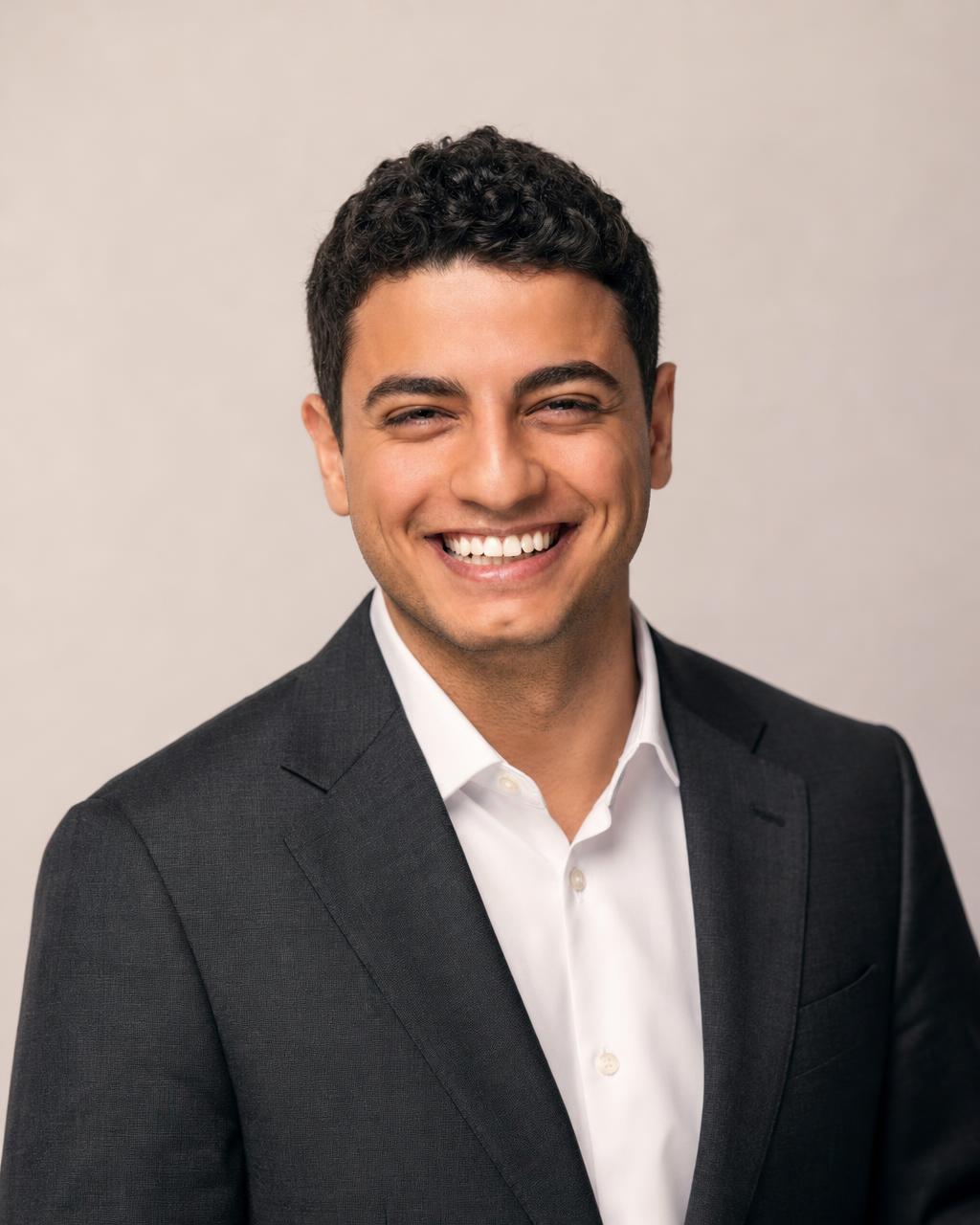
An AI headshot is a portrait of a real person that was generated by an image model instead of being shot by a photographer. You don't pose in a studio. You upload ordinary selfies, pick a style, and the software produces new photos that keep your face but change everything a photographer would control: the lighting, the backdrop, the framing, the outfit and the overall polish.
People mostly use them where a good, current photo matters but booking a shoot feels like overkill: LinkedIn and other professional profiles, CVs and speaker bios, company "about" pages, and increasingly dating apps and social media.
What happens between your selfies and the finished photo
Almost every AI headshot tool follows the same broad steps:
- You upload selfies. A few clear photos of just you, ideally from different angles. Good tools check each one (is there exactly one face, is it sharp enough, is it obscured) before accepting it.
- The tool builds a representation of your face. This is the step where approaches differ most (see the next section).
- You choose a look. Usually a preset style ("studio headshot, grey backdrop", "business casual in an office") or a text description of the photo you want.
- The image model generates new photos that combine your face with that scene, then the results are delivered for you to review and download.
Two approaches: training a model vs. using your selfies as a reference
1. Fine-tuning a personal model
The first generation of AI headshot apps worked by fine-tuning: they took a general image model and trained a copy of it on your selfies until it could reproduce your face. That works, but it has costs. You usually need more photos (often 10–20), training takes anywhere from about 15 minutes to a few hours, and if the results are off you often have to start again with new selfies. It also means a model of your face exists on someone's servers, which is worth asking about in the privacy policy.
2. Reference-based generation (no training)
Newer image models can take reference photos as input at generation time. Instead of training a model on you, the tool passes your selfies alongside the description of the shot, and the model generates a photo that matches your face. There is no training step, so results arrive in minutes, and you can try a new style straight away.
PictureMe works this way. You create an Identity from 3–8 selfies (each gets an automatic face check when you upload it), and every photo is generated from that Identity on demand. There is no model training and no waiting hours for a shoot: a batch takes about 2 minutes, and a 10-photo template finishes in roughly the same time as a single photo because the photos develop in parallel.
| Trained personal model | Reference-based (e.g. PictureMe) | |
|---|---|---|
| Selfies needed | Often 10–20 | 3–8 (4–8 is best on PictureMe) |
| Wait before first photo | Minutes to hours of training | About 2 minutes per batch |
| Trying a new style | Usually fast once trained | Fast, no retraining |
| A model of your face stored | Yes, until deleted | No model is trained |
How many selfies do you need?
It depends on the tool. Trained-model apps typically ask for more photos because the model has to learn your face from scratch. For PictureMe you need between 3 and 8, and 4–8 gives the best results. More variety beats more quantity: a few angles, a couple of expressions, good light. Our selfie guide covers exactly what to shoot.
Why AI headshots sometimes don't look like you (and how to fix it)
When an AI photo looks "almost you", it is nearly always one of these:
- Weak input photos. Dark, blurry, heavily filtered or very old selfies give the model less to work with. Replace the weakest ones.
- Not enough variety. Eight near-identical front-on selfies teach less than four photos from different angles.
- Obstructions. Sunglasses, hats, hands on the face and hair over the eyes all hide features the model needs. Skip them.
- Other people in the shot. Group photos confuse which face is yours. Use photos of just you.
- An extreme style. Heavy editorial looks change more of the image. If likeness matters most (say, for LinkedIn), start with a clean studio or business-casual style.
Generate a batch, keep the ones that genuinely look like you on a good day, and discard the rest. On PictureMe, if a generation fails or is refused by the safety system, the credit goes back to your balance automatically.
What happens to your selfies?
This varies a lot between services, so read the privacy policy before you upload. Questions worth answering: are my photos used to train AI models, are they used in ads, how long are they kept, and can I delete them?
On PictureMe, your selfies and photos are stored privately and shown only to you through short-lived links. They are never sold, never used in ads and never used to train AI models. You can delete individual photos, your Identity or your whole account at any time, and the files are removed from storage. See the Privacy Policy and how to delete your data.
Are AI headshots OK to use?
For most purposes, yes, as long as the photo is honestly you. LinkedIn, for example, allows AI-enhanced or AI-created profile photos as long as the photo reflects your likeness. We go through the details, including what recruiters think, in Are AI headshots OK for LinkedIn?. If you are weighing up the cost against booking a photographer, see how much AI headshots cost.