
AI dating photos: how to use them without catfishing anyone
Dating apps and daters care about one thing: that you look like your photos. Here is how to use AI dating photos honestly, and when not to.
By the PictureMe team · · 7 min read
Short answer
Why people use AI for dating photos
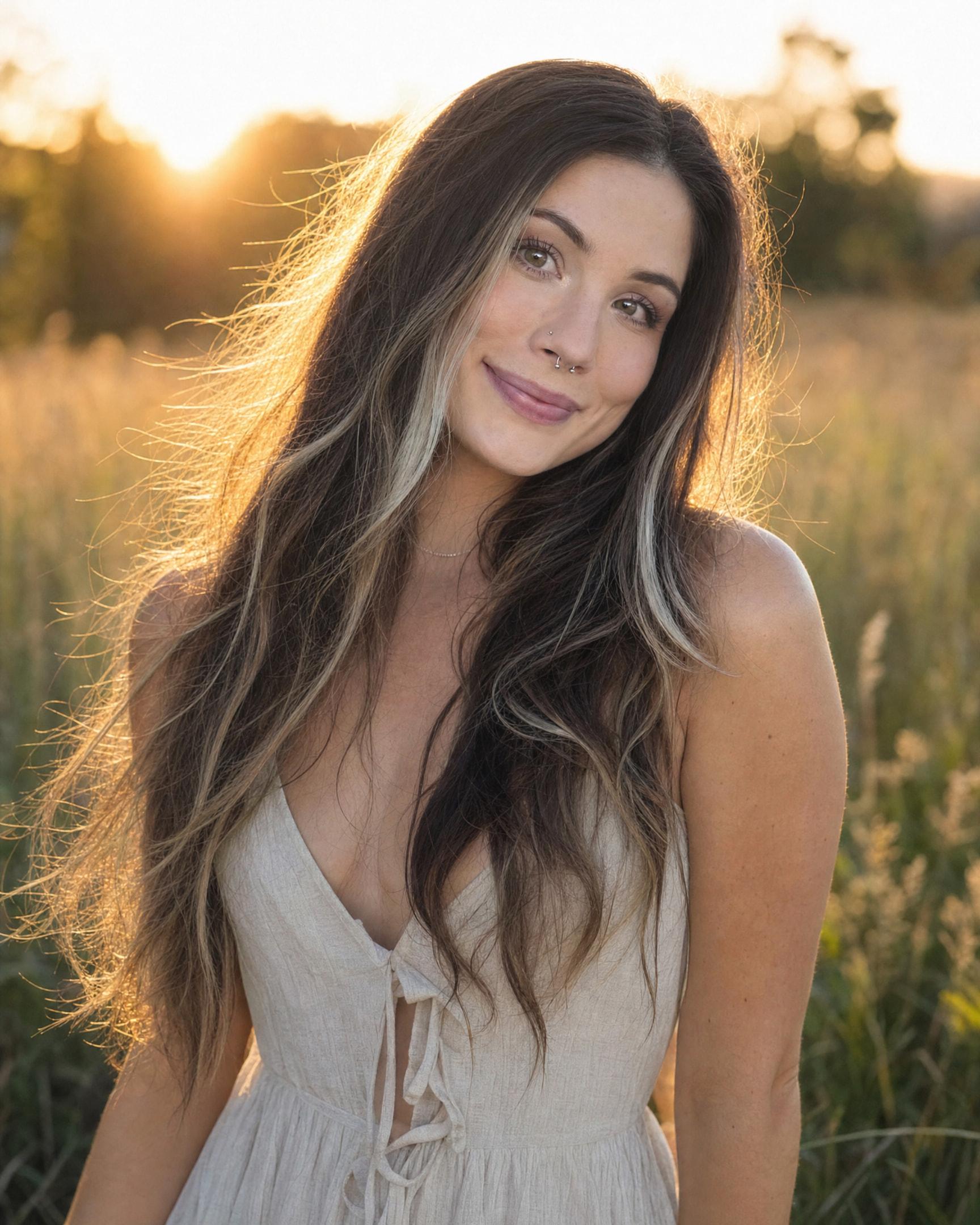
Most people don't have good recent photos of themselves. They have group shots, photos with an ex cropped out, and selfies under office lighting. Booking a photographer for a dating profile feels like a lot. AI photos made from your own selfies can fill the gap: warm, well-lit, candid-looking shots that show you on a good day.
What the dating apps say
Policies change, so check each app's current guidelines, but at the time of writing:
- Hinge recommends against AI-generated profile photos in its AI dating guide, and reports that most of its users are uncomfortable with them.
- Bumble doesn't allow artificially generated or enhanced photos used to deceive other people, and lets members report profiles they believe use AI-generated photos (TechCrunch).
- Tinder uses AI itself to help members pick their best photos and offers photo verification (TechCrunch). Its community guidelines ask members to be authentic and not to impersonate anyone.
The common thread is deception, not technology. A photo that shows what you really look like is in line with the spirit of every app's rules. A photo that makes you look like someone else isn't, wherever it came from. If an app's rules prohibit AI-generated photos outright, follow them.
How to keep AI dating photos honest
- Start from recent selfies. The output can only be as true as the input. Use photos from the last few months (see our selfie checklist).
- Reject anything that flatters too much. If a result makes you look slimmer, younger or sharper-jawed than you are, don't use it. Your date will meet the real you.
- Mix AI and real photos. Use one or two AI photos for the clean, well-lit portraits and keep real photos of your hobbies, friends and travel.
- Don't invent a life. A golden-hour portrait in a park is fine. A photo on a yacht or a summit you've never climbed sets up awkward conversations.
- Verify your profile where the app offers it. It reassures matches that you are who your photos say.
What kind of photos work
- A clear, warm portrait as your first photo: face visible, natural smile, soft light.
- A candid-looking shot: laughing at a café table, walking in the city.
- A full or three-quarter-length photo so people get a sense of you beyond your face.
- Something that starts a conversation: ideally a real photo of something you actually do.
Avoid heavy filters, sunglasses in every photo, and five near-identical portraits. Variety reads as real.
Making dating photos with PictureMe
Add 3–8 selfies, then choose a dating template (curated shoots of 10 photos each, in warm, natural styles) or describe the photo you want, like "golden hour on a rooftop in Lisbon". Photos are ready in about 2 minutes. The goal is photos that look like you on a great day, not like a filter. Keep the ones that do and discard the rest.
What about face swap?
Putting your own face into a photo you like (for example, an outfit or setting you love) is fine for fun and for profiles, as long as the result still looks like you and you have the right to use the original photo. Using anyone else's face is not. PictureMe's face swap only ever uses your own face, from the Identity you made with your selfies. More in AI face swap explained.